BI Live Data vs Caching: Speed and Accuracy
A live query is accurate but slow, a cache is fast but can be stale. We cover the balance between speed and accuracy and when caching is safe.
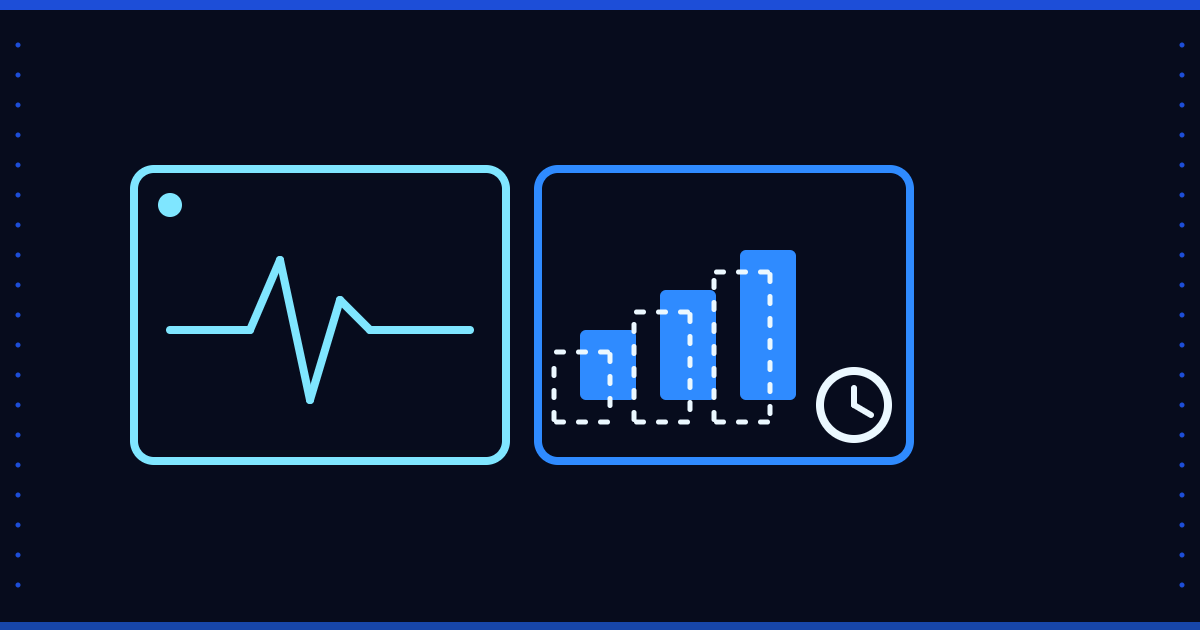
If a BI dashboard goes to the source system on every click, the dashboard slows down and the source system is strained; if results are stored somewhere, the dashboard speeds up but the number can go stale. This is a trade-off between speed and accuracy.
Three approaches
- Live query: every request goes to the source. The freshest data; the slowest response and the highest load on the source.
- Cache: the result of a query is kept for a set time. Fast; until the time runs out the number may be old.
- Precomputed table: results are prepared at set intervals and the dashboard reads those tables. The dashboard is fast; the number is as current as the last computation.
When is caching safe?
- Closed periods (last month, last year) do not change, so they can be stored safely.
- For daily operations (today's stock, open orders) a short-lived cache or a live query suits better.
- For data that gets corrections (cancellations, returns, cost) the cache needs an invalidation rule.
Rules
- Show the last update time next to every number.
- Choose the cache time by report type; do not give everything the same time.
- Define in advance how the cache is emptied when data is refreshed.
- Compare the cached number with the source from time to time.
Where Floemdata stands
In Floemdata Analytics reports are read from precomputed Gold tables: the pipeline rewrites these tables on each run and the dashboard reads that database; so the number the dashboard shows is as current as the last pipeline run (an hourly run is optional). We looked for a general query result cache in the code and did not find one. That the dashboard shows its last update time is not verified in this article (not verified).
To get started, write down for each report 'how old can this number be at most?' and choose the cache time accordingly. Questions: info@floemdata.com.