Join Fan-Out: Why Totals Inflate
A one-to-many join duplicates rows and inflates totals. How to spot the fan-out and prevent it, with an invoice and payments example and Floemdata's status.
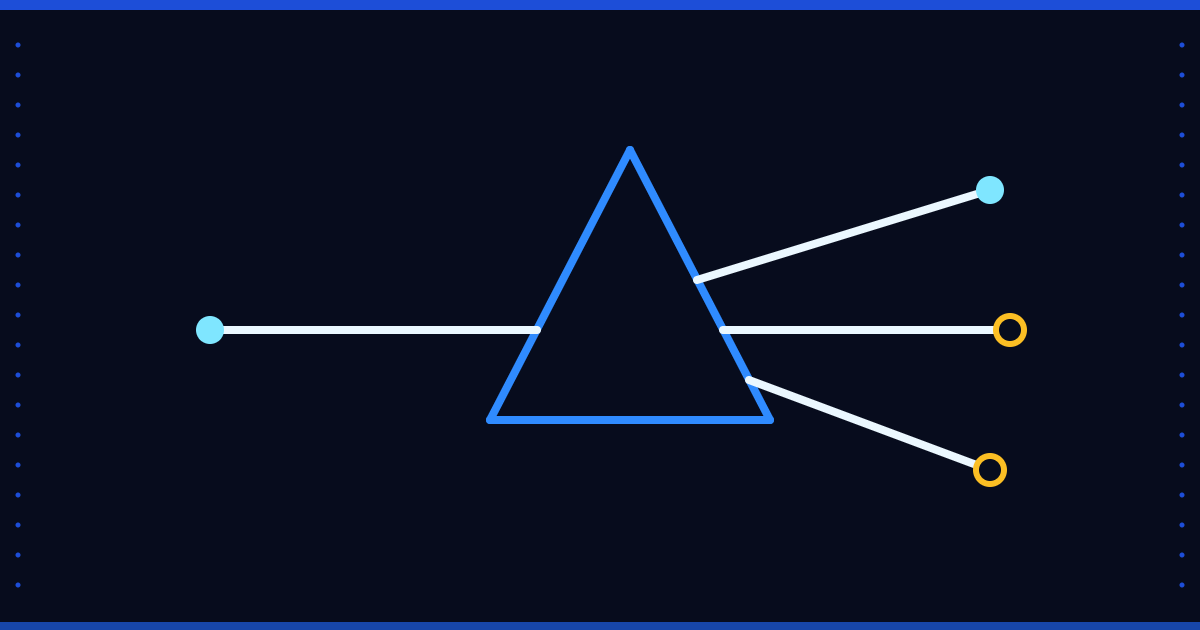
An invoice is worth 1,000 and was paid in three instalments; the figures are a fictional example. Join the invoice table to the payments table and sum the invoice amount, and you get 3,000: the invoice is written once more for every payment row. The report looks consistent, but the number is three times too high.
Why the fan-out happens
If the join key is not unique on one side, the other side is repeated for each match on that side. In a one-to-many relationship, the fields of the “one” side are repeated as many times as there are rows on the “many” side. The same happens when a document-level field such as the invoice amount is carried into a line-level table.
How to spot it
- Row count: compare the row count before and after the join. If the result has more rows than the left table, there is a fan-out.
- Uniqueness test: measure in which table the join key is unique by comparing
COUNT(*)withCOUNT(DISTINCT key). - Compare with the source: compare the report total with the source system's own total; an exact multiple (2×, 3×) is the signature of a fan-out.
How to prevent it
- Aggregate the “many” side up to the level of the “one” side before joining: total the payments per invoice, then join.
- Sum a document-level amount only in a document-level table; in a line table, sum the line amount.
- Put a test next to every join saying “this key is unique in that table” and run it during loading.
- Write down the direction of the relationship: one-to-one, one-to-many or many-to-many? A many-to-many join is almost always a mistake.
Where Floemdata stands
Floemdata's Gold sales movement table is kept at line level. We have not verified, field by field for this post, whether a document-level amount (for example DocTotal in SAP Business One) repeats on each line in that table, or which field the measures that enter totals are calculated from. The product documents give a check identity: the document total can be approximated from the line totals, discount, expenses, VAT, withholding and a rounding difference. That is a checking tool, not a guarantee against fan-out.
To start, write down the row count before and after the join in your most important report that uses one, then compare the total with the source system's total. Questions are welcome at info@floemdata.com or via Floemdata.