Master Data Deduplication: Customer and Item Codes
When one customer sits in your ERP under two codes, reports rank them wrongly. Three steps to find duplicate records, a mapping table, and Floemdata's real status.
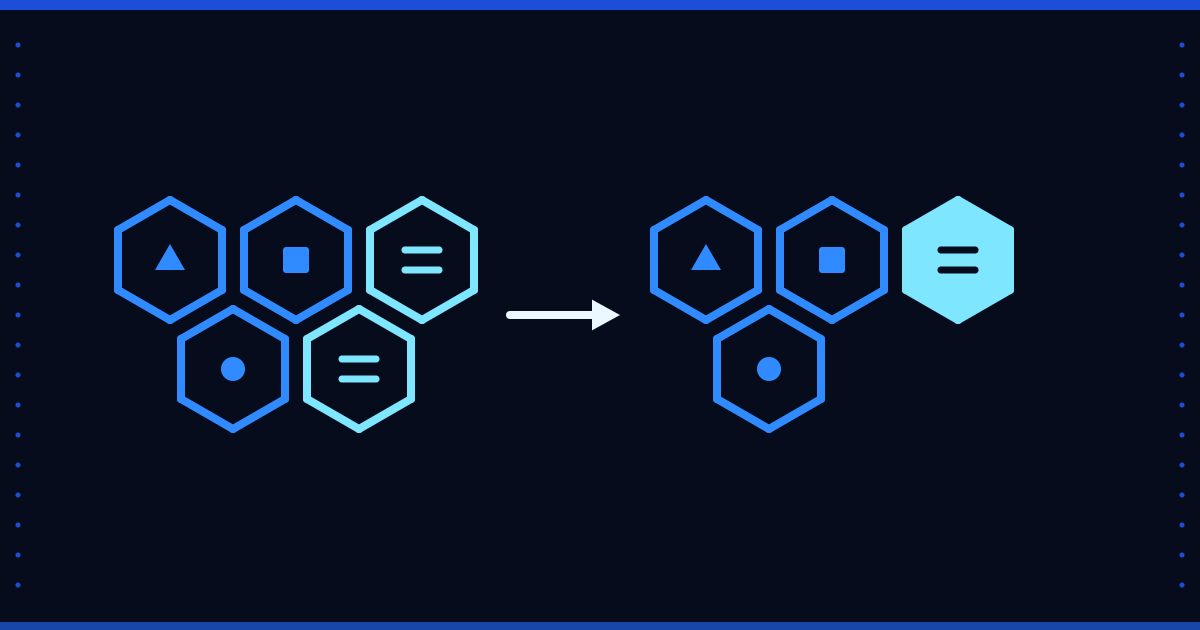
The same customer is in the system twice, as C-0412 and C-1873. The sales report shows two customers, the receivables ageing lists their balances on separate lines, and the top ten customers list is ranked wrongly. The problem is not in the reporting tool. It is in the master data itself.
Where duplicate records come from
- Spelling differences: one record uses the full company name, another an abbreviation.
- Name or branch changes: a new record is opened instead of updating the old one.
- Manual re-entry: the person cannot find the record and creates a new one.
- Several systems: the ERP, the web shop and the accounting package each keep the same customer under a different code.
Finding duplicates in three steps
- Match on an identifier. For companies the tax number is the most reliable key. Remove empty or filler values (numbers made of a single repeated digit) first.
- Normalise the name. Strip case, accents, punctuation and legal suffixes (Ltd, Inc, GmbH), then compare.
- Let a person approve the candidates. A similar name does not mean the same company, and an automatic merge makes a wrong merge hard to undo.
Do not delete the source record
A record with postings is usually impossible to delete in the source system, and deleting it would damage history if it were possible. A safer route is a mapping table in the warehouse: source_code → master_code. Reports use the master code, and every source record stays traceable.
Write a precedence rule next to it: if two records for one customer carry different addresses, which one wins? Without a written rule, every report gives a different answer.
Measure the effect
Look at two numbers before and after merging: the customer count and the share of revenue held by the top ten customers. Those figures belong to your data. Do not borrow another company's ratio as an expectation.
Where Floemdata stands
Floemdata reads customer and item master data from SAP Business One (the OCRD and OITM tables) and keeps it in the Silver layer under kart_kodu (card code) and urun_kodu (item code). The deduplication in Silver means taking the latest extract version when Bronze holds several versions of one record. It does not treat two cards opened under different codes as one customer.
We did not find a feature in the code that matches or merges customer or item cards, so the mapping-table approach above is not part of the product today. SAP B1 and Logo records are kept apart by a source-system column in Silver, with no card matching between them. The Logo connector is written but has not been tried against a real source.
To start, group your customer list by tax number and count how many codes share each number. Questions are welcome at info@floemdata.com or via Floemdata.