Report Reconciliation: Financial Audit Guide
Does the report match the source system? We describe a two-layer reconciliation and why a difference should be shown, not hidden.
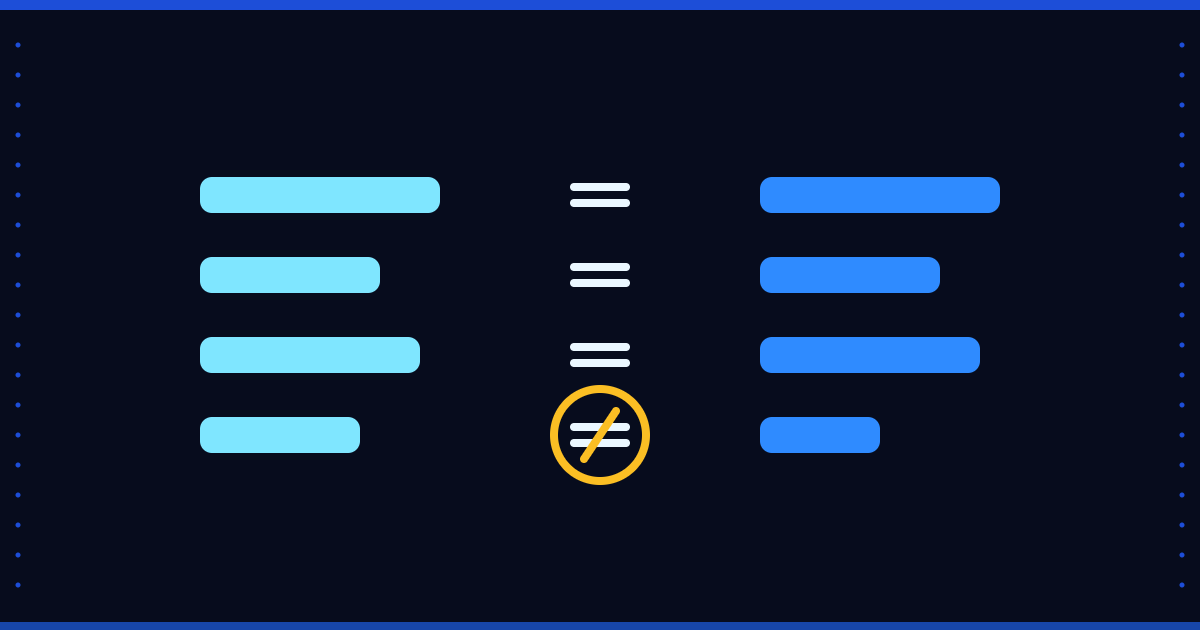
If a report does not match the source system's own figure, nobody trusts it. Reconciliation means comparing the warehouse figure with its source and showing the difference openly. This article looks at it as preparation for a financial audit; it does not explain tax or audit regulation, and your auditor's rules apply.
Two-layer reconciliation
- Layer 1, consistency within a document: does the sum of an invoice's lines match the document total in the header?
- Layer 2, against the ledger: does monthly net sales match the net credit of the sales accounts in the accounting ledger?
An example flow
Layer 1: check the invoices one by one, count the ones that do not match and add up the deviation amount. Layer 2: month by month, compare the net sales in the report with the credit of the sales account in the journal lines; if the difference is below a small threshold, say 'matches', otherwise say 'deviation'. Write the threshold down up front and discuss it with your auditor.
Why show the deviation
A dashboard that hides deviations collapses at the first question. A dashboard that shows them can say 'this month differs by this much, for this reason'. Do not show an unmeasurable case as 0 either: if there is no ledger data at all, say 'not measurable', otherwise every month looks as if it had a deviation.
Where Floemdata stands
In Floemdata Analytics, reconciliation is produced in the Gold layer in two layers: invoice line-to-header consistency, and monthly net sales against the net credit of the sales accounts starting with 600 in the SAP journal entries (in the current implementation, 'matches' when the difference is below 1 percent). If there is no journal data, the result is left empty, not written as 0. According to the project documentation, this reconciliation matches to the cent on mock SAP test data; no such result is claimed here for real customer data (not verified).
Audit preparation list
- Be able to show which source table and which load every figure came from.
- Keep the reconciliation result month by month.
- Keep thresholds and exceptions in writing.
- Document definition decisions (cancellation, return, exchange rate).
Questions: info@floemdata.com.