Timestamp and Time Zone Pitfalls in Reporting
A sale made near midnight lands on the wrong day. UTC versus local time, daylight saving, dates without a time: traps that break daily figures.
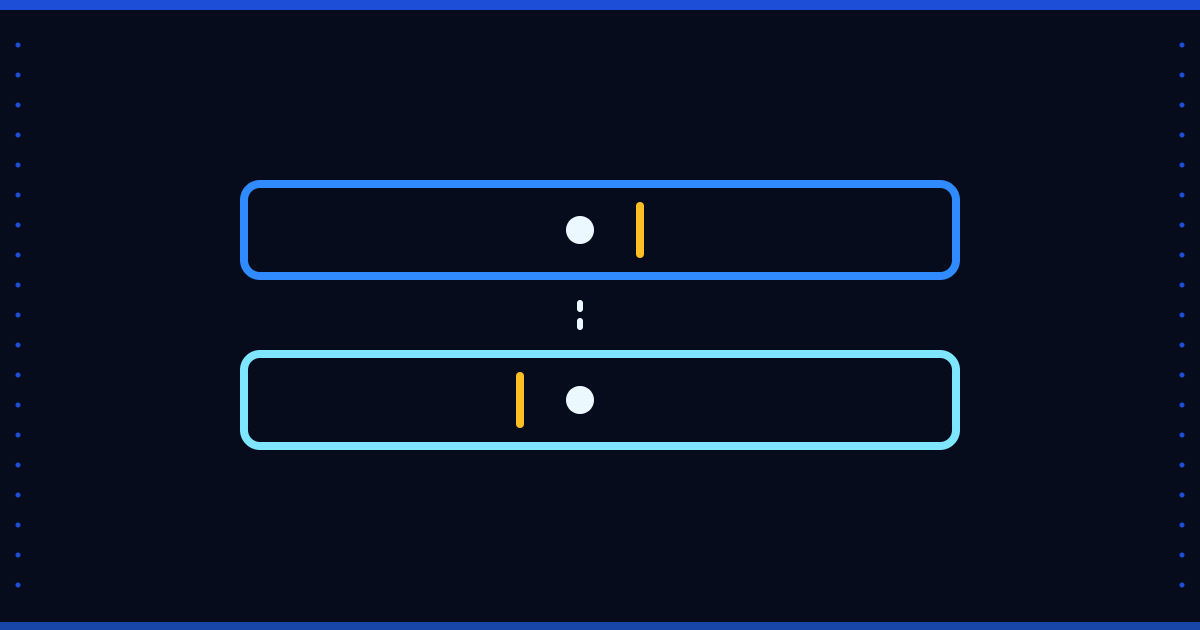
A sale was rung up at 23:40. The report puts it on the next day. Or the reverse: the daily figure does not match the source system's daily total, and the difference always comes from transactions in the same hours. Most of the time the cause is not a calculation error but time kept in two different time zones.
Four common traps
- UTC and local time get mixed: one system keeps UTC, another local time; the day boundary is midnight in one and three hours later in the other.
- A date field without a time: some source fields carry only a date. You cannot recover the order within a day, or "what time did the change happen", from such a field.
- Daylight saving: on the switch day an hour either does not exist or happens twice. Hour-based totals drift. If you work with sources in countries that use daylight saving, this is a real issue for you.
- Dates stored as text: "09.11.2026" and "2026-11-09" do not sort together; mix the formats and the ordering breaks.
One rule: store UTC, convert for display
Keep technical timestamps (load time, extraction time, event time) in a single zone, usually UTC. Convert to local time when showing them to a user. A business date is a different matter: an invoice date is a calendar day, not a moment tied to a time zone. Do not convert it; store it as it is.
Where is the day boundary?
For reporting, write down what "day" means: the document date in the source, the day the data reached the warehouse, or the local calendar day? Three definitions give three different daily totals. The report description should say which one is used.
A quick test
- Compare the transactions between 23:00 and 01:00 one-to-one with the source system's own report.
- Check the daily totals of the daylight-saving switch week separately.
- For every time field that has no zone information, write down which zone it is in.
Where Floemdata stands
What we verified in the code: the extraction layer stamps every record with a UTC extraction time (_extracted_at). For API sources with timestamps, day boundaries are computed in UTC. The day of the snapshot tables is UTC. According to our project notes, the update-date field of SAP B1 documents carries no time, which is why incremental extraction keeps a one-day overlap.
Not verified: we have not measured whether the gap between the local day and the UTC day causes a one-day shift near midnight in reports that compute "as of today", such as receivables ageing. We also found no step that checks the time zone setting at the customer site.
To start, compare last week's daily totals with the source report and look at which hours the difference comes from. Questions are welcome at info@floemdata.com or via Floemdata.